The Ultimate Guide to Creating an Easy U.S. States Map for Professionals
In today’s data‑driven landscape, professionals across marketing, education, logistics, and public policy rely on clear, accurate maps to illustrate geographic trends and insights. An easy-to‑use U.S. states map can serve as a foundational tool for visual storytelling, interactive dashboards, and strategic planning. Below is a comprehensive list of proven strategies and best practices that will help you develop a map that is not only visually appealing but also functional and scalable for a wide range of applications.
1. Choose the Right Projection for Your Audience
Projection choice significantly impacts how distances and areas appear on your map. For most business use cases, the Albers equal‑area conic projection preserves area proportions across the continental United States, making it ideal for demographic analysis. If you need a more geographically accurate representation of shapes, consider the Lambert conformal conic. Always pair the projection with your audience’s expectations to avoid misinterpretation.
2. Leverage Vector Graphics for Scalability
Vector formats such as SVG provide crisp, resolution‑independent imagery that scales seamlessly on high‑density displays. They also allow for dynamic styling with CSS or JavaScript, enabling interactive features like hover highlights or click‑to‑zoom. Embedding SVG directly into HTML keeps the file size manageable and eliminates the need for external image requests, improving load times for end users.
3. Use Data‑Driven Styling with GeoJSON
GeoJSON offers a lightweight way to encode geographic features alongside metadata. Coupling GeoJSON with libraries like D3.js or Leaflet lets you bind statistical data (e.g., population, GDP) directly to state shapes, enabling color ramps or proportional symbols that instantly convey complex information. This approach also simplifies updates: modify the JSON data, and the map refreshes automatically.
4. Implement Responsive Design for Mobile Access
With an increasing number of stakeholders accessing dashboards on tablets and smartphones, a responsive map is essential. Use CSS media queries to adjust the size, stroke weight, and font labels based on screen real estate. Consider collapsing state labels into tooltips on smaller devices to reduce clutter while preserving accessibility.
5. Optimize Performance with Sub‑Lining Techniques
Rendering an entire U.S. map with fine‑grained detail can be computationally expensive. Simplify geometries using tools like MapShaper, which reduces the number of vertices without compromising visual fidelity. Additionally, pre‑render static layers as raster tiles and overlay vector elements only for interactive segments, striking a balance between speed and interactivity.
6. Incorporate Interactive Controls for Data Exploration
Adding interactive widgets such as sliders, dropdowns, and checkboxes empowers users to slice and dice data in real time. For instance, a slider that filters states by population thresholds can instantly re‑color the map, while a dropdown can toggle between different economic indicators. These controls foster deeper engagement and provide stakeholders with tailored insights.
7. Ensure Accessibility with ARIA Labels and Keyboard Navigation
Compliance with WCAG guidelines is not optional in professional settings. Assign ARIA labels to each state polygon and enable keyboard navigation to allow screen readers to announce state names and associated data. Use contrasting colors and avoid relying solely on color to convey meaning, thereby ensuring that your map is usable by all audiences.
8. Validate Geographic Accuracy with GIS Tools
Before deployment, cross‑check your state boundaries against authoritative GIS datasets (e.g., US Census TIGER/Line). Utilize tools like QGIS to overlay your map and verify that every state’s geometry aligns with official borders. This step prevents costly misinformation and maintains the credibility of your analytical outputs.
9. Provide Export Options for Reporting and Collaboration
Stakeholders often need static copies of maps for presentations or reports. Offer export functionalities in multiple formats—PNG for quick snapshots, PDF for print‑ready documents, and SVG for further editing. Additionally, integrate with popular office suites so users can embed the map directly into PowerPoint or Word files without additional conversions.
Free Printable USA Map With States
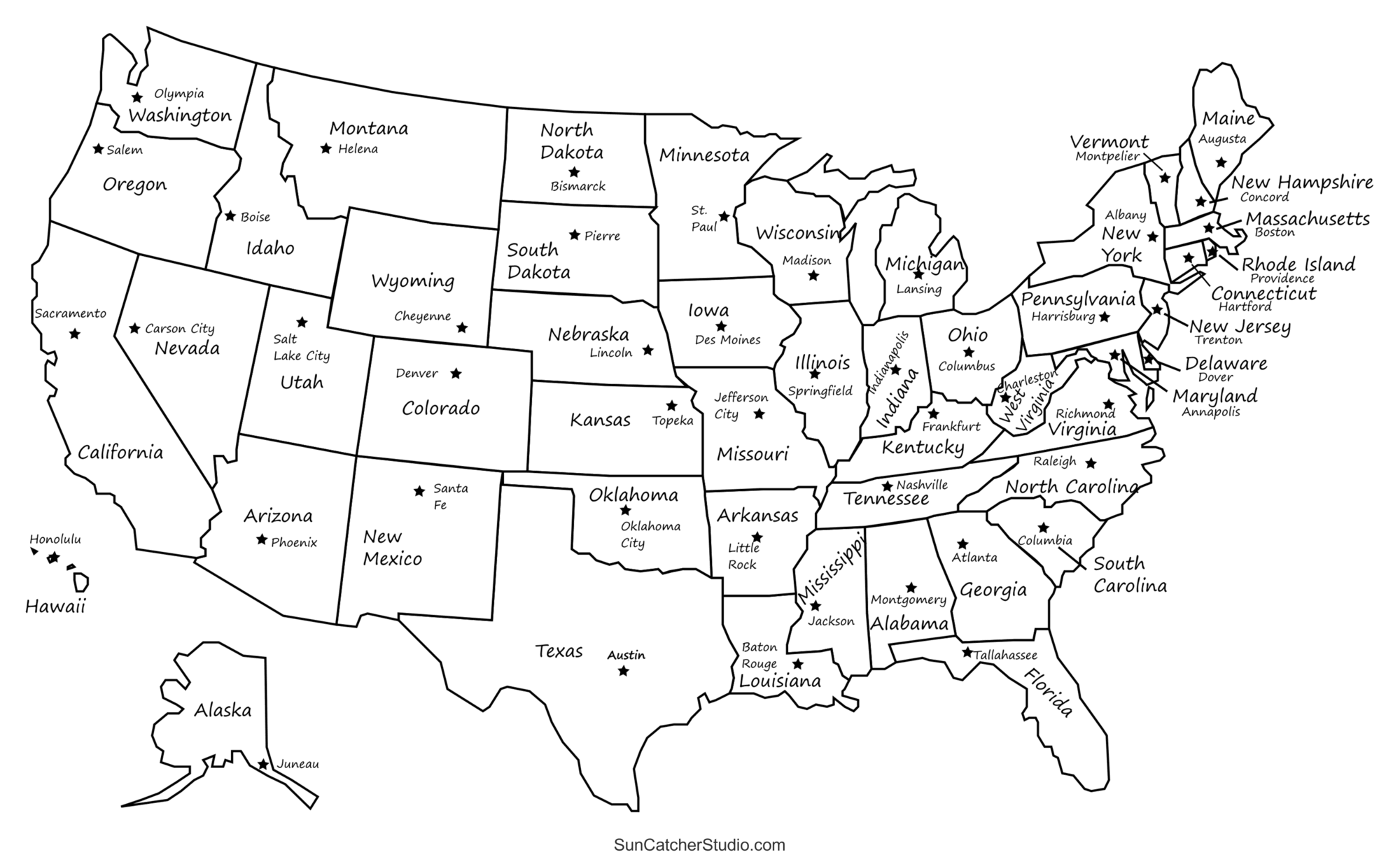
Free Printable USA Map With States
Large Printable Map Of The United States Printable Us Maps 3242x2315

Large Printable Map Of The United States Printable Us Maps 3242x2315
Unlabeled Us Map Maps Blank Simple Of United States In The U.S.: 50
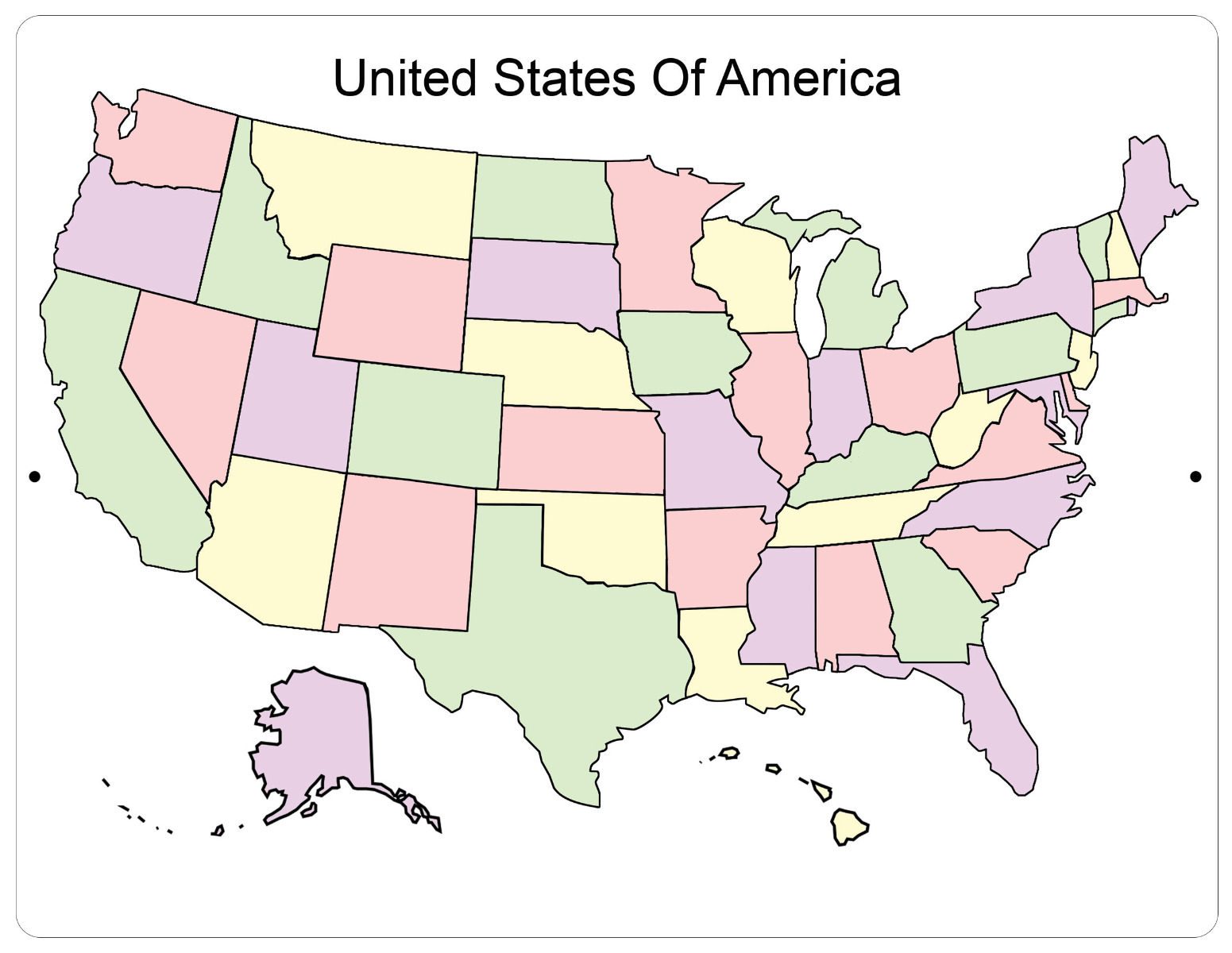
Unlabeled Us Map Maps Blank Simple Of United States In The U.S.: 50
Get Your Free US Map Printable – Easy Download Now! - Printables For
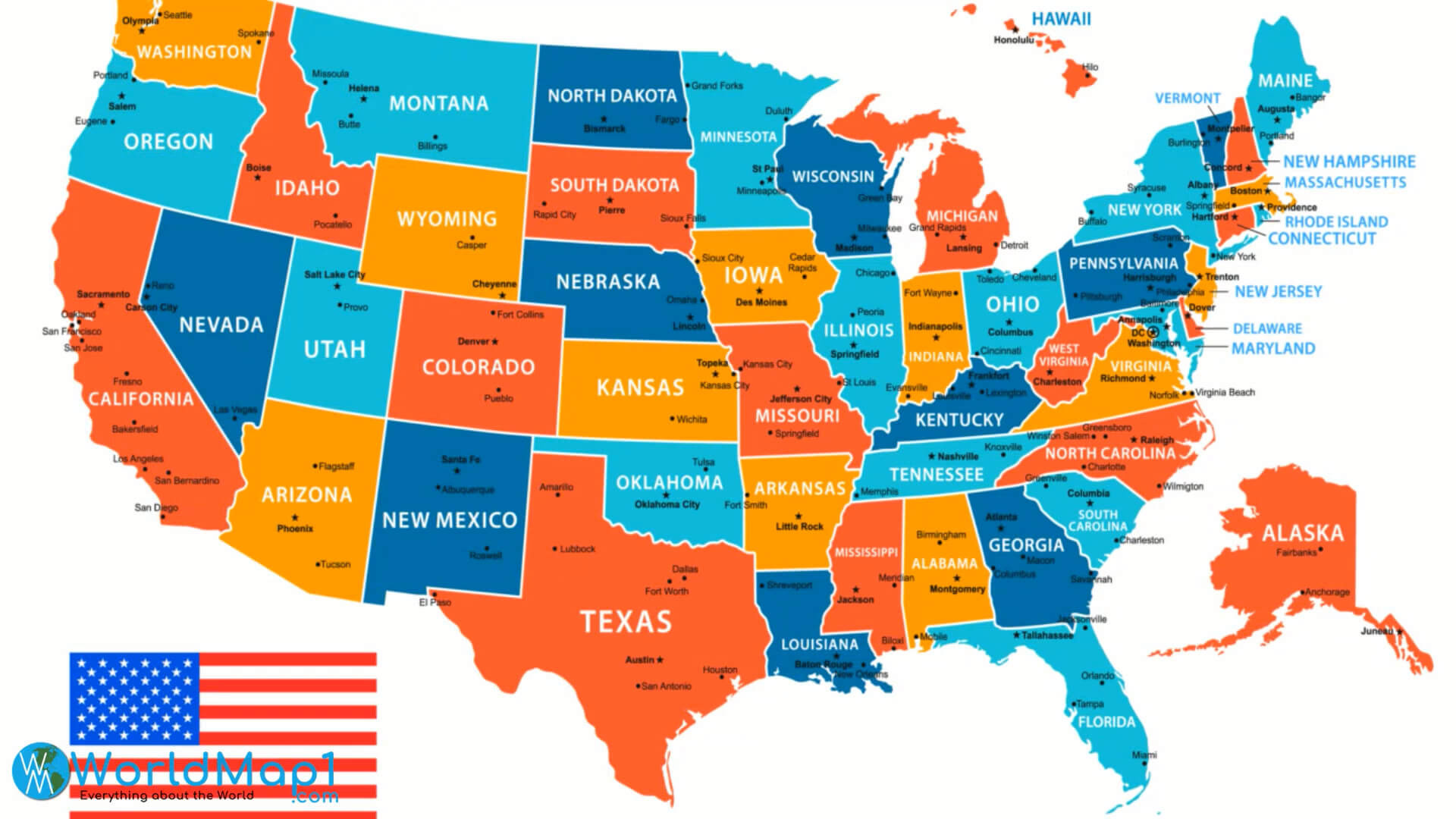
Get Your Free US Map Printable – Easy Download Now! - Printables for ...
Snapklik.com : United States Of America Map Learning Mat

Snapklik.com : United States Of America Map Learning Mat
Map Of The United States With States Labeled Printable Printable Maps
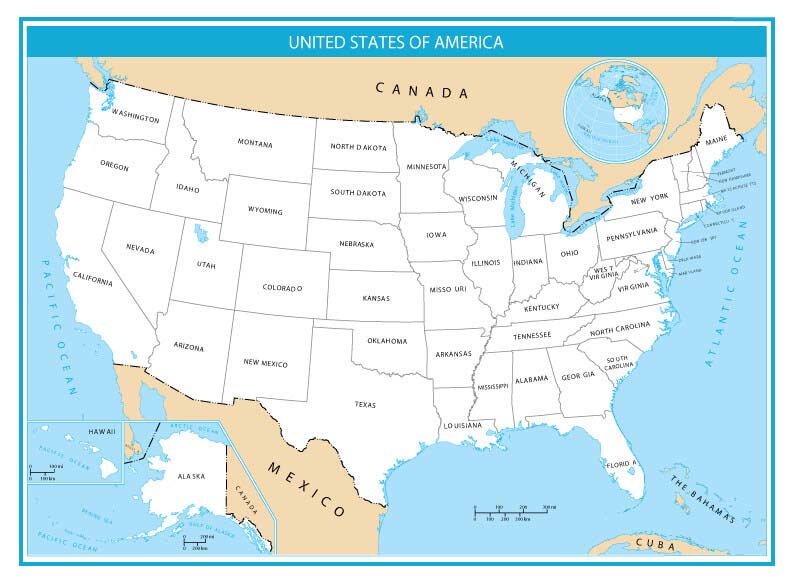
Map Of The United States With States Labeled Printable Printable Maps
Printable Map Of The United States For Kids
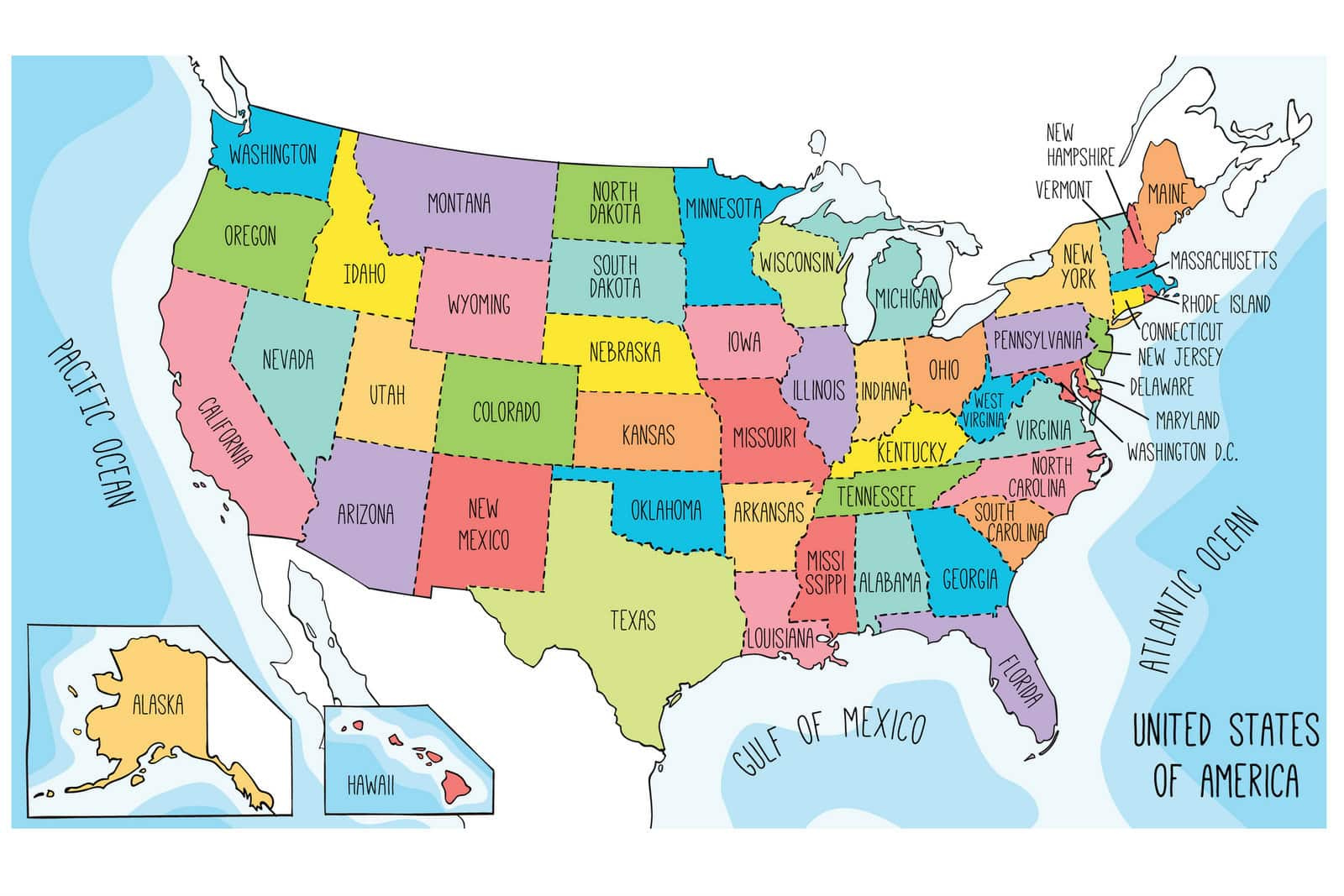
Printable Map of the United States For Kids
Editable Map Of Us States

Editable Map Of Us States
Printable US Maps | Blank, With State Names, And Capitals
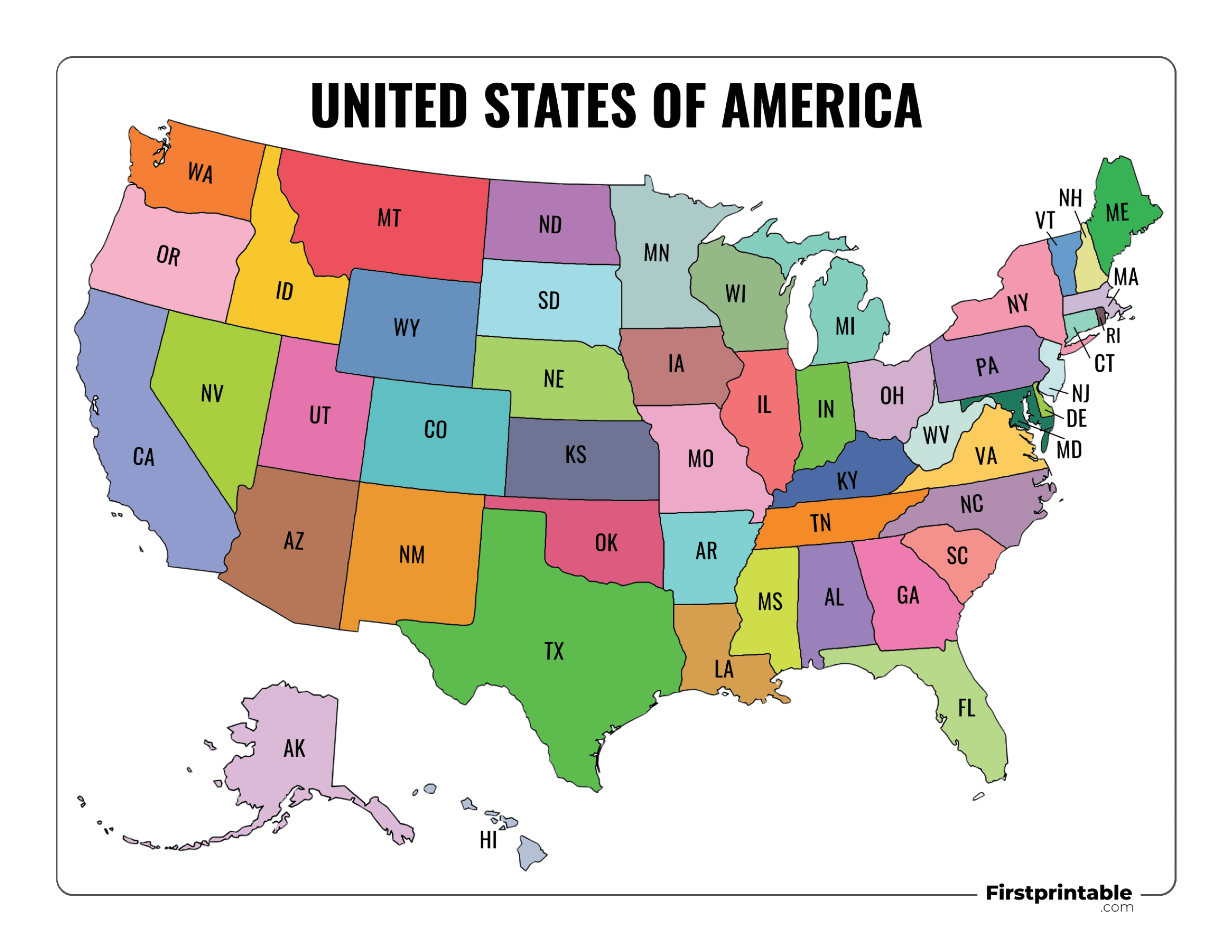
Printable US Maps | Blank, With State Names, And Capitals
Printable Us Maps With States (Usa, United States, America) – Free With
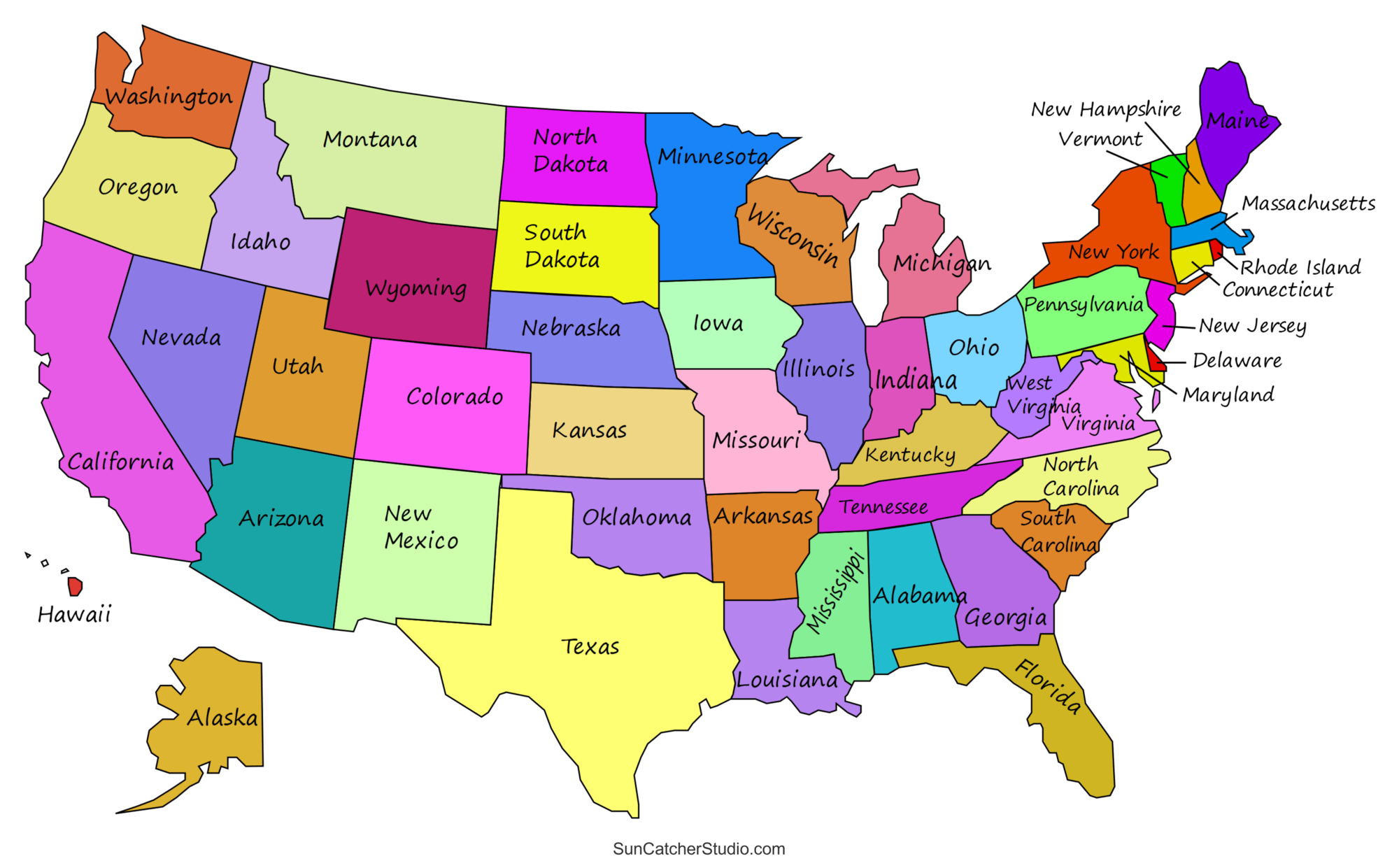
Printable Us Maps With States (Usa, United States, America) – Free With ...
Usa Map States Free Printable - Printable Free Templates
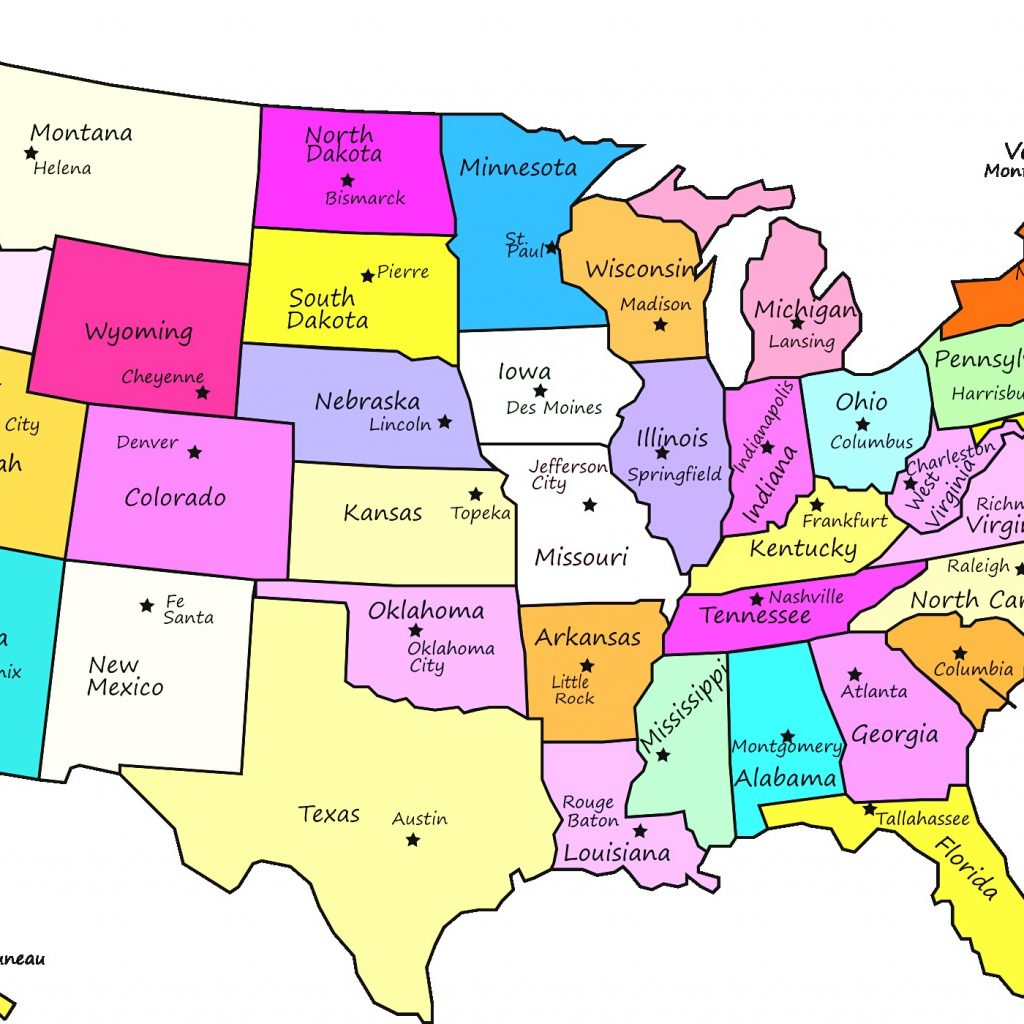
Usa Map States Free Printable - Printable Free Templates
USA Map With States And Capitals Printable
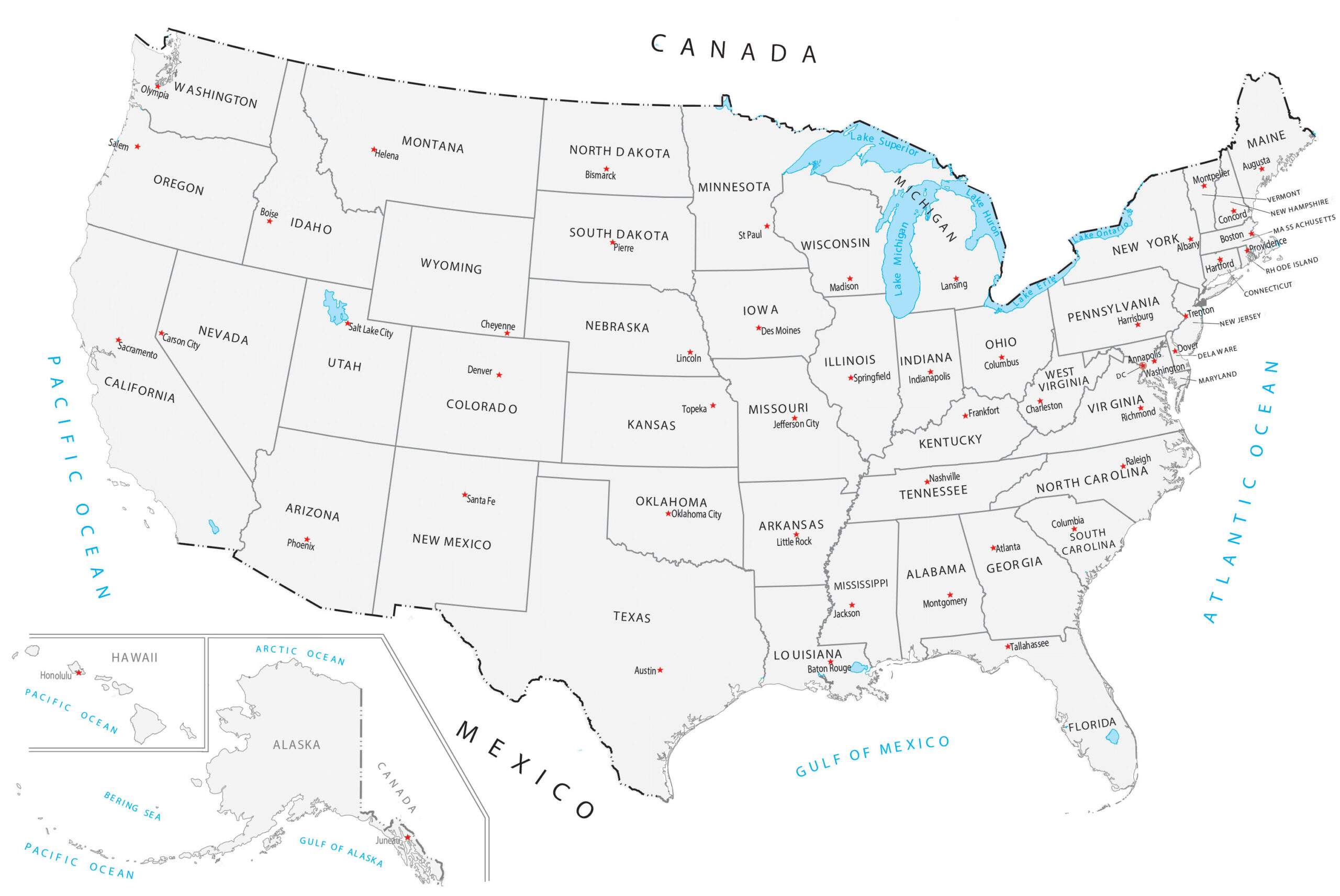
USA Map With States and Capitals Printable
Simple Map Of Usa States Maps Of The United States
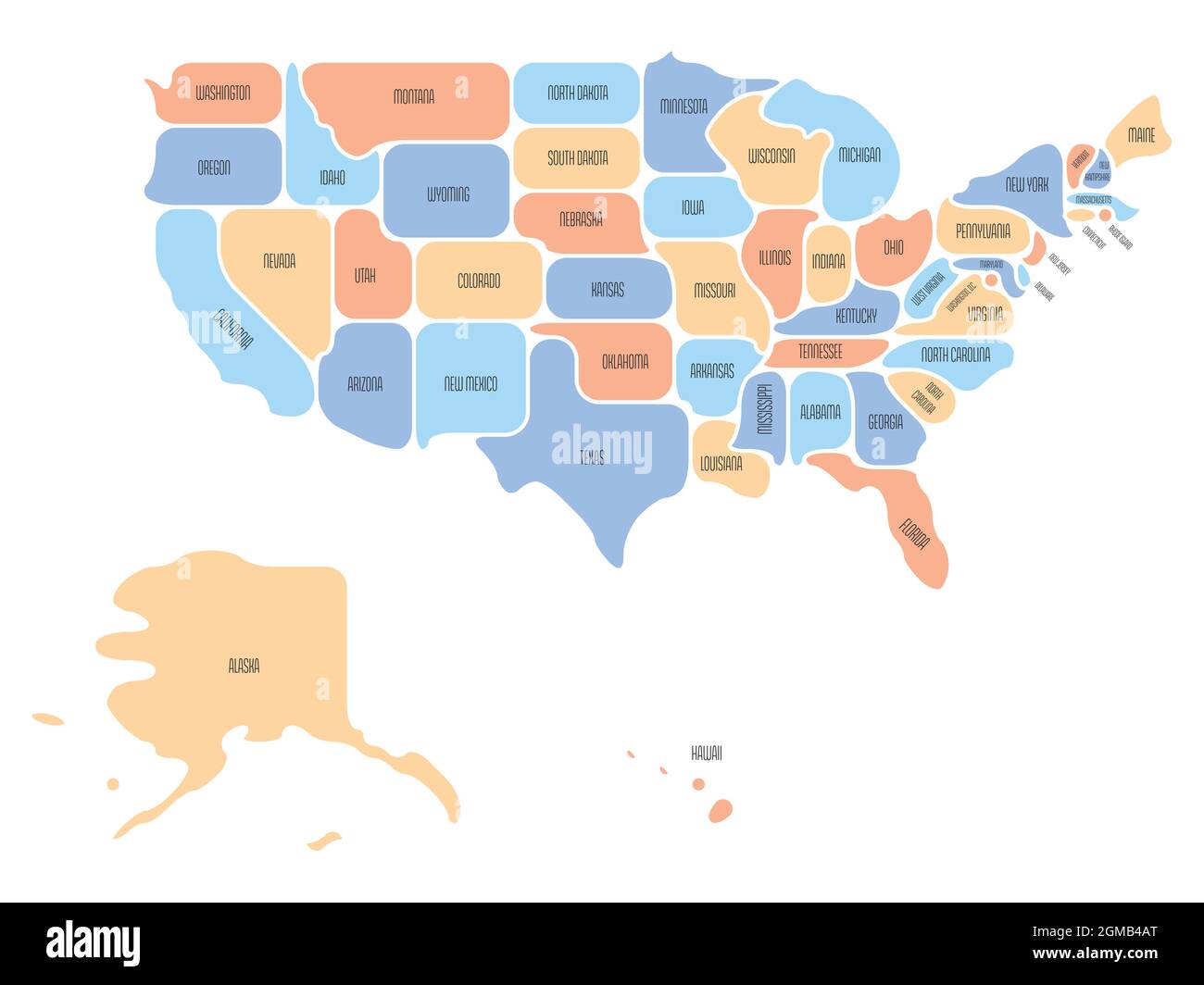
Simple Map Of Usa States Maps Of The United States
Map Of The United States With States Labeled Printable Printable Maps

Map Of The United States With States Labeled Printable Printable Maps ...
Political Map Of USA (Colored State Map) | Mappr
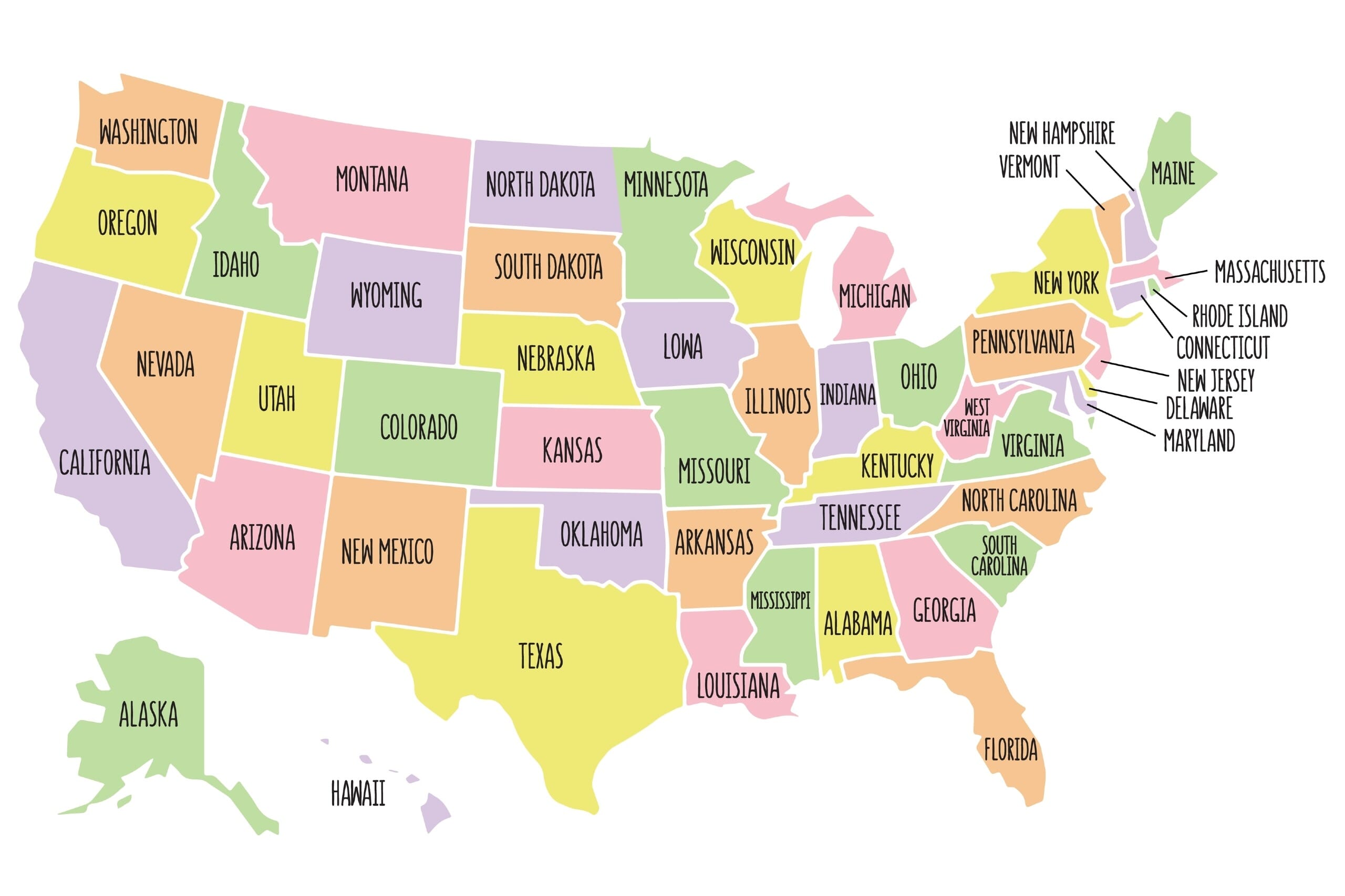
Political Map of USA (Colored State Map) | Mappr
Free Printable US States Map - Printable USA Map

Free Printable US States Map - Printable USA Map
Easy To Draw Us At Emma Ake Blog
Easy To Draw Us at Emma Ake blog
Political Map Easy To Do

Political Map Easy To Do
United States Simple Wall Map – Ultimate Globes

United States Simple Wall Map – Ultimate Globes
Political Map Of The United States
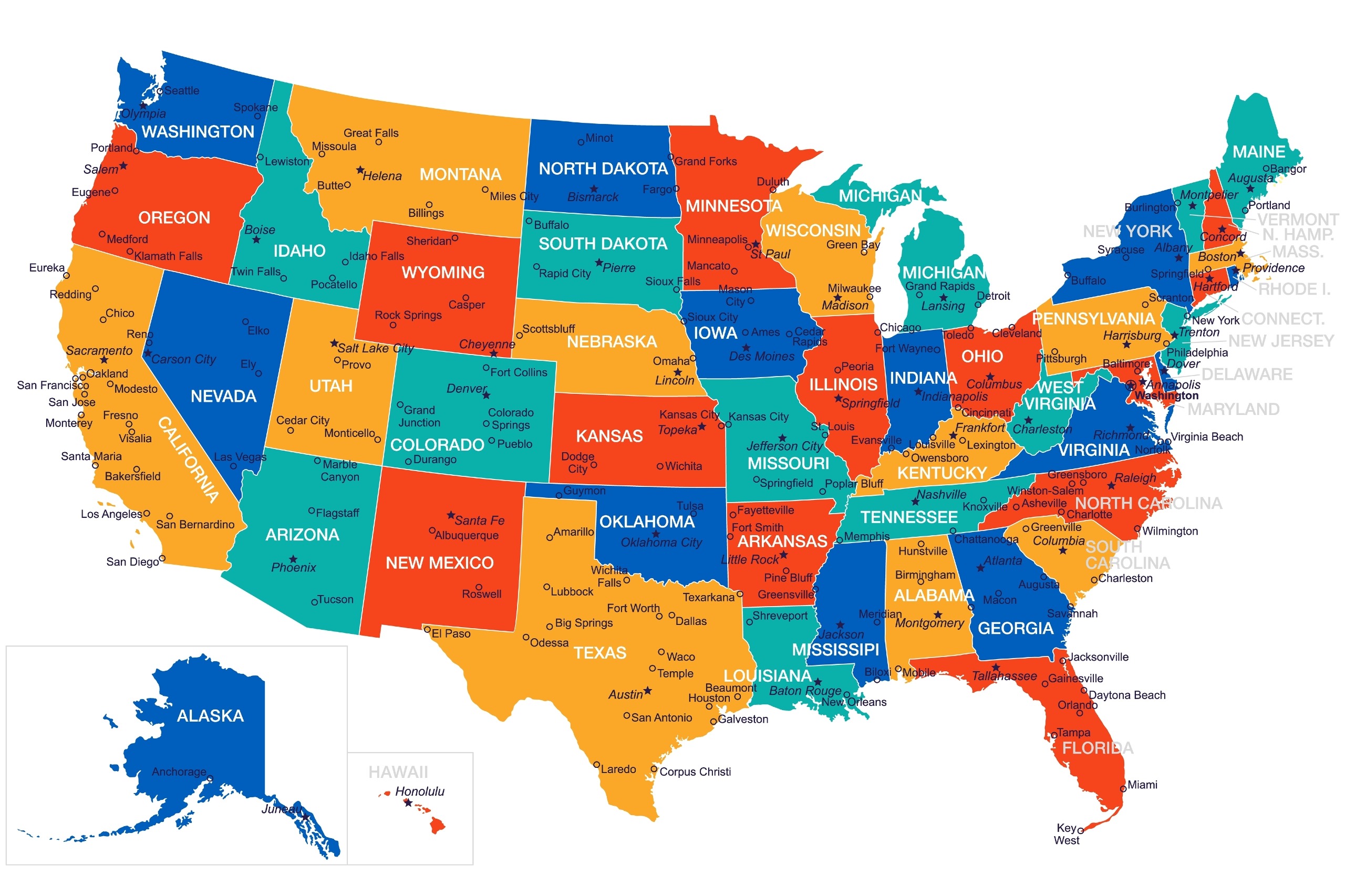
Political Map Of The United States
Map Of Us Simple - Printable Map Of The US

Map Of Us Simple - Printable Map Of The US
USA States Map | List Of U.S. States | U.S. Map
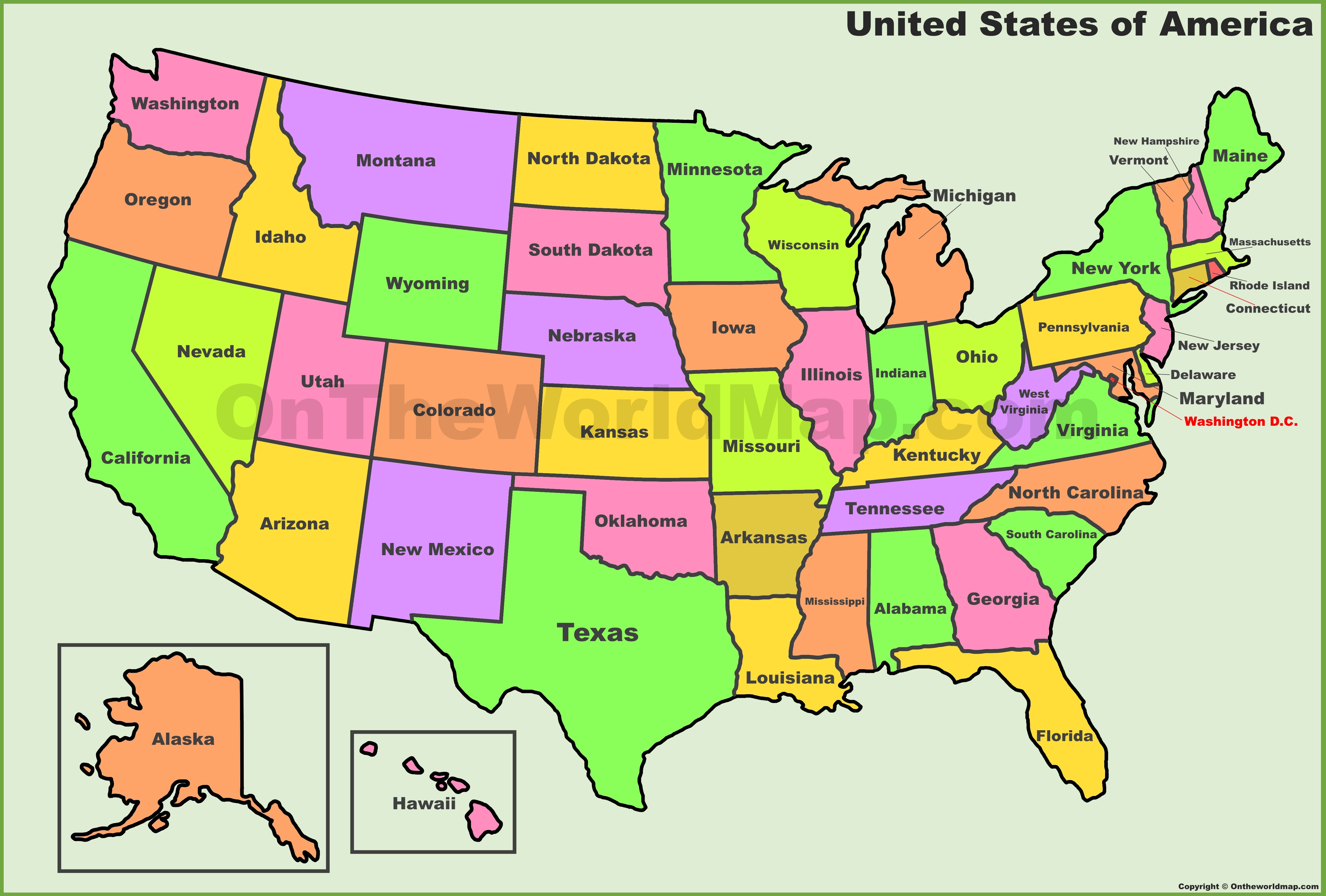
USA States Map | List of U.S. States | U.S. Map
50 States Of America Map Template For PPT And Google Slides
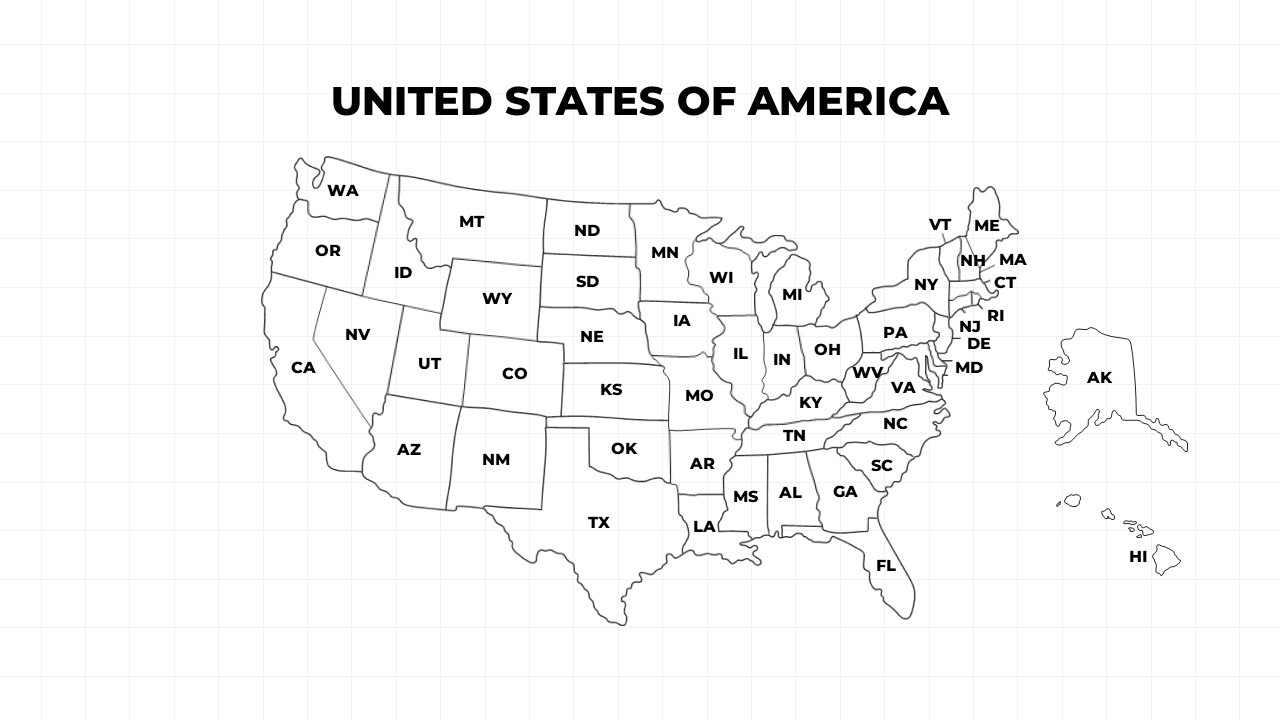
50 States of America Map Template for PPT and Google Slides
Simple Us Map With States Printable Map Of The United States With
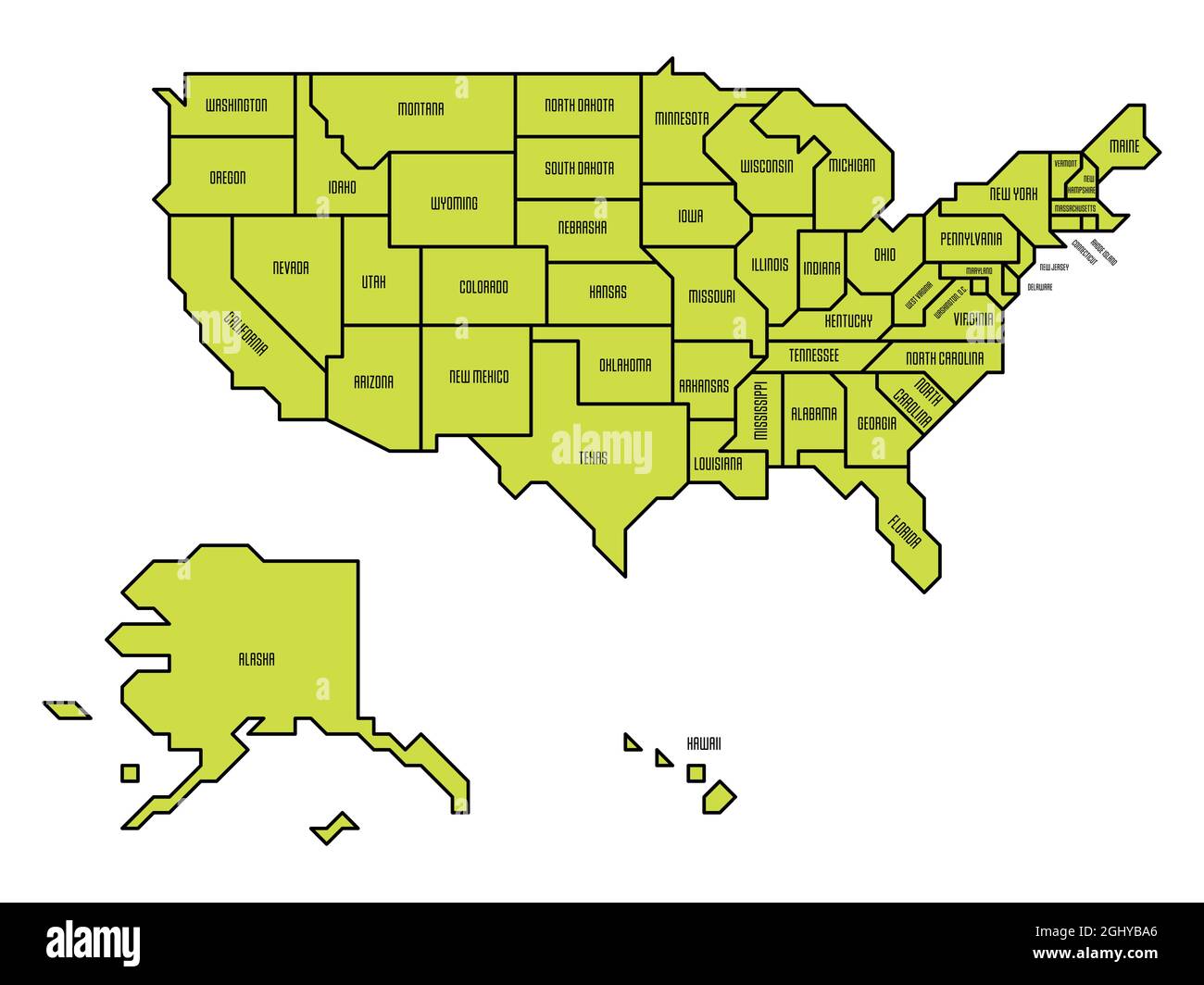
Simple Us Map With States Printable Map Of The United States With
United States Of America Map Educational Poster Print Photo | State Map

United States Of America Map Educational Poster Print Photo | State map ...
Simple United States Map Printable Us State Map Label Worksheet Blank

Simple United States Map Printable Us State Map Label Worksheet Blank
Free Printable Map Of USA With States Labeled
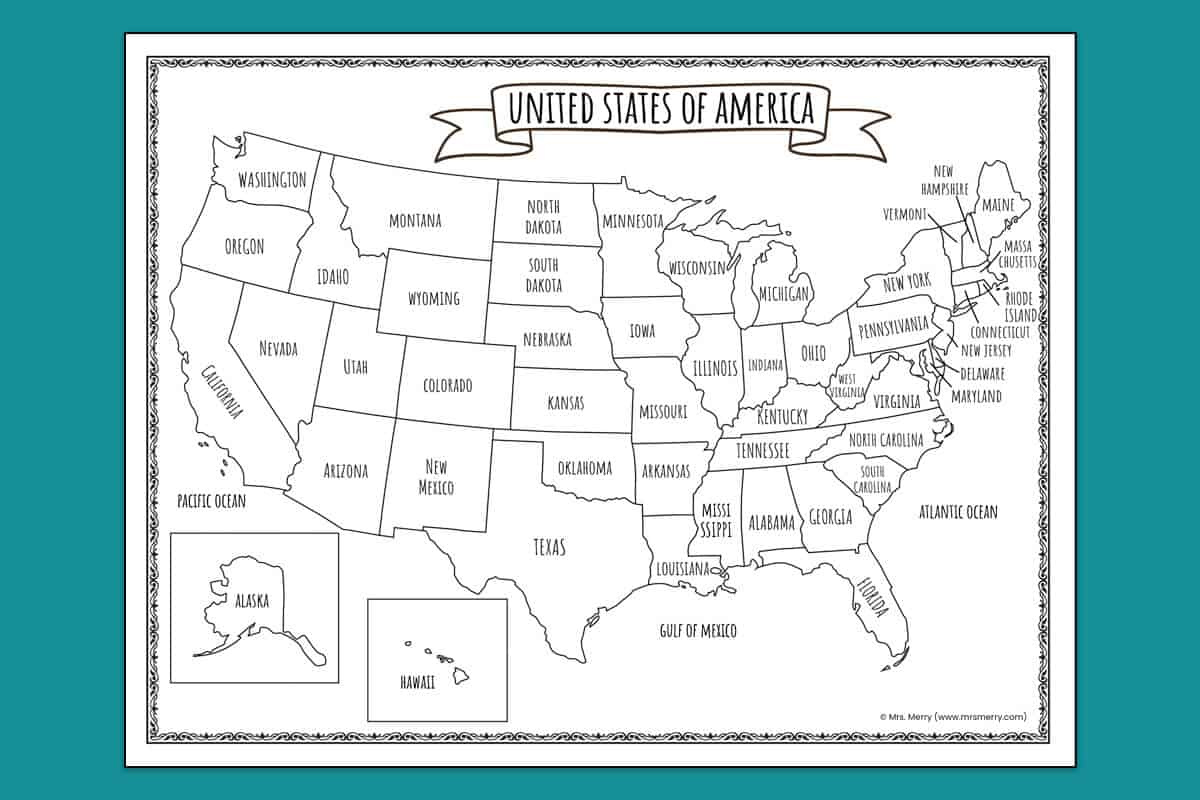
Free Printable Map of USA With States Labeled
Simple Map Of The United States

Simple Map Of The United States
Us Map With States Labeled Printable — Gridgrab
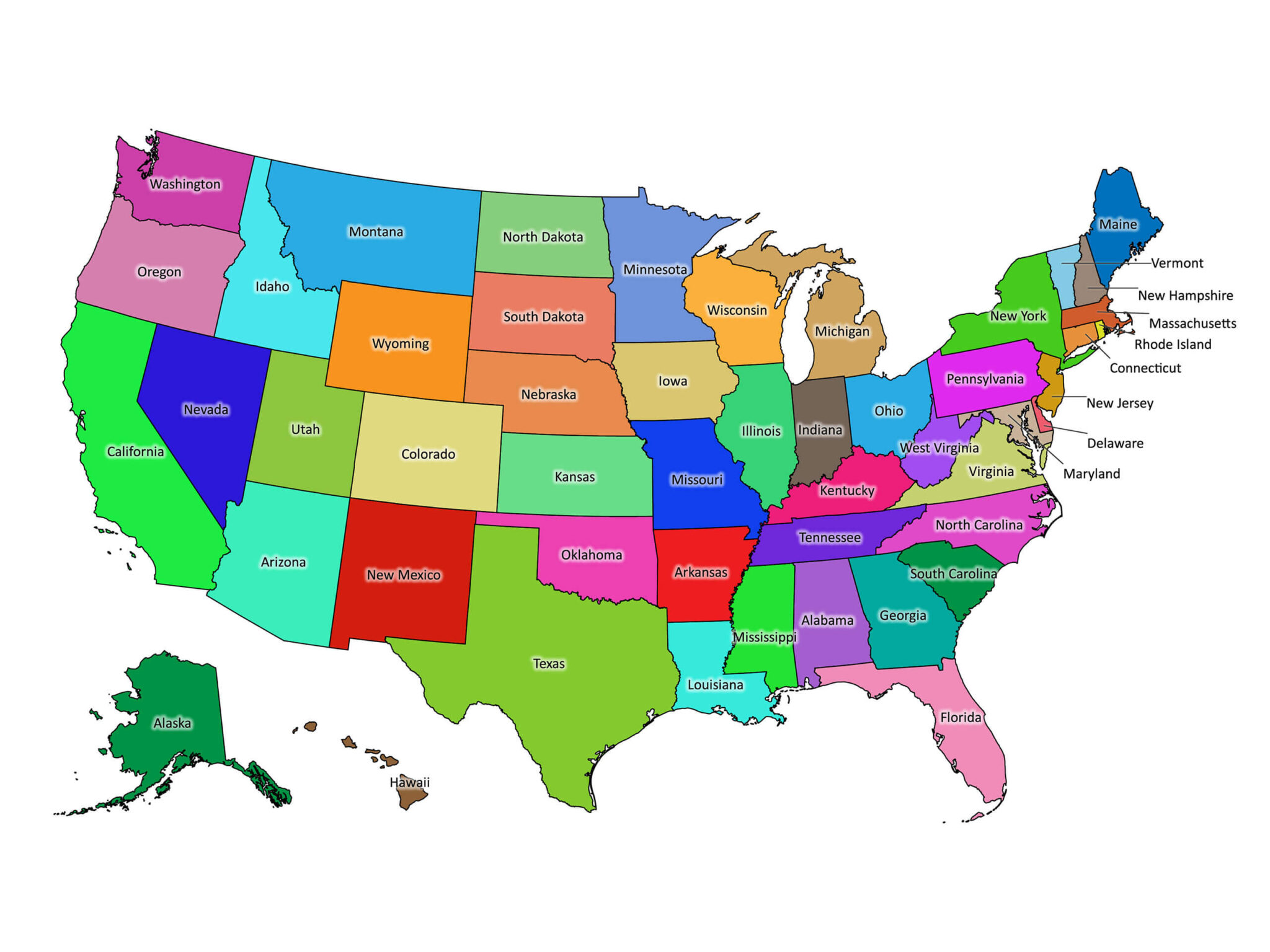
us map with states labeled printable — Gridgrab
Simple Map Of Usa States 1431x1119
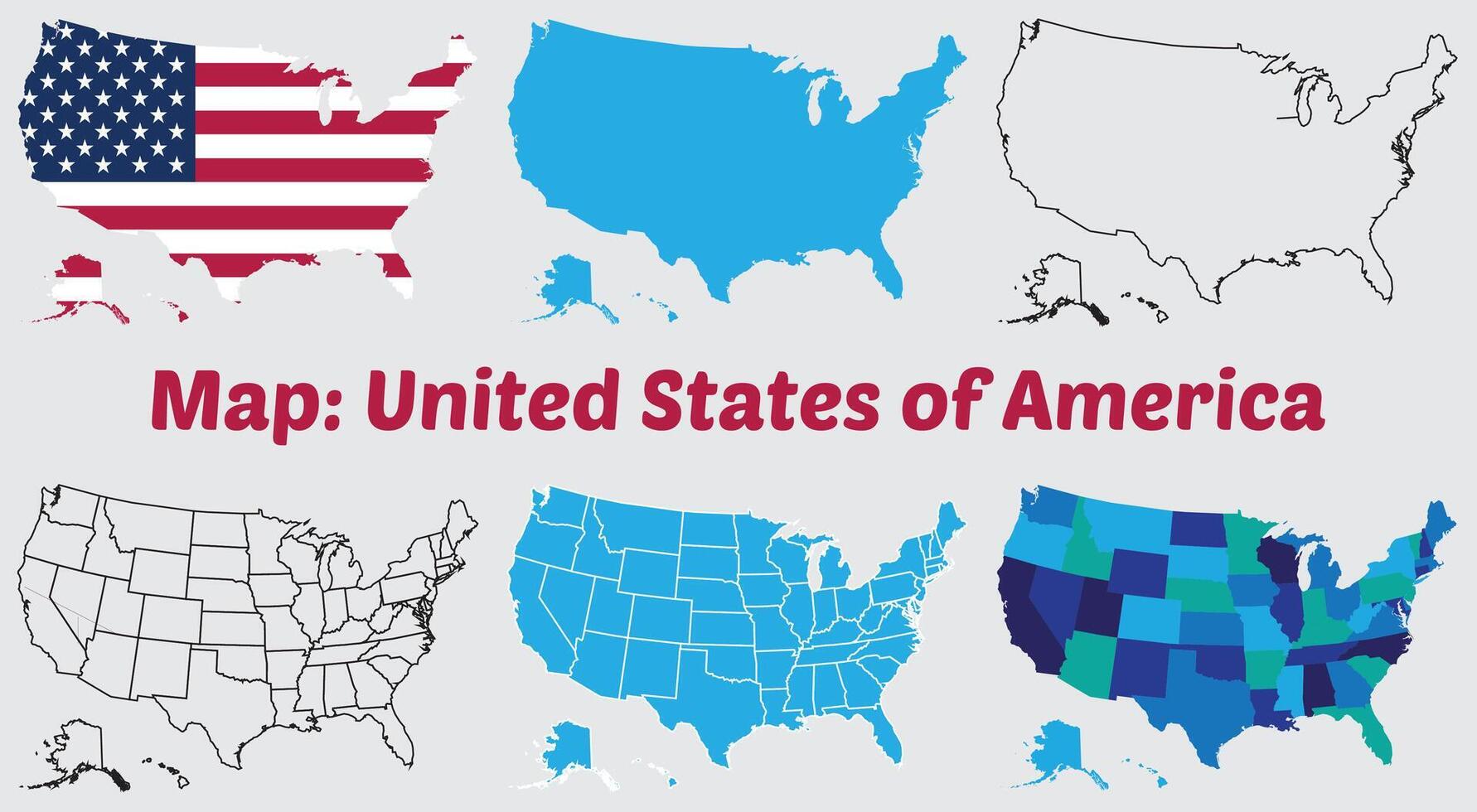
Simple Map Of Usa States 1431x1119
